Introduction
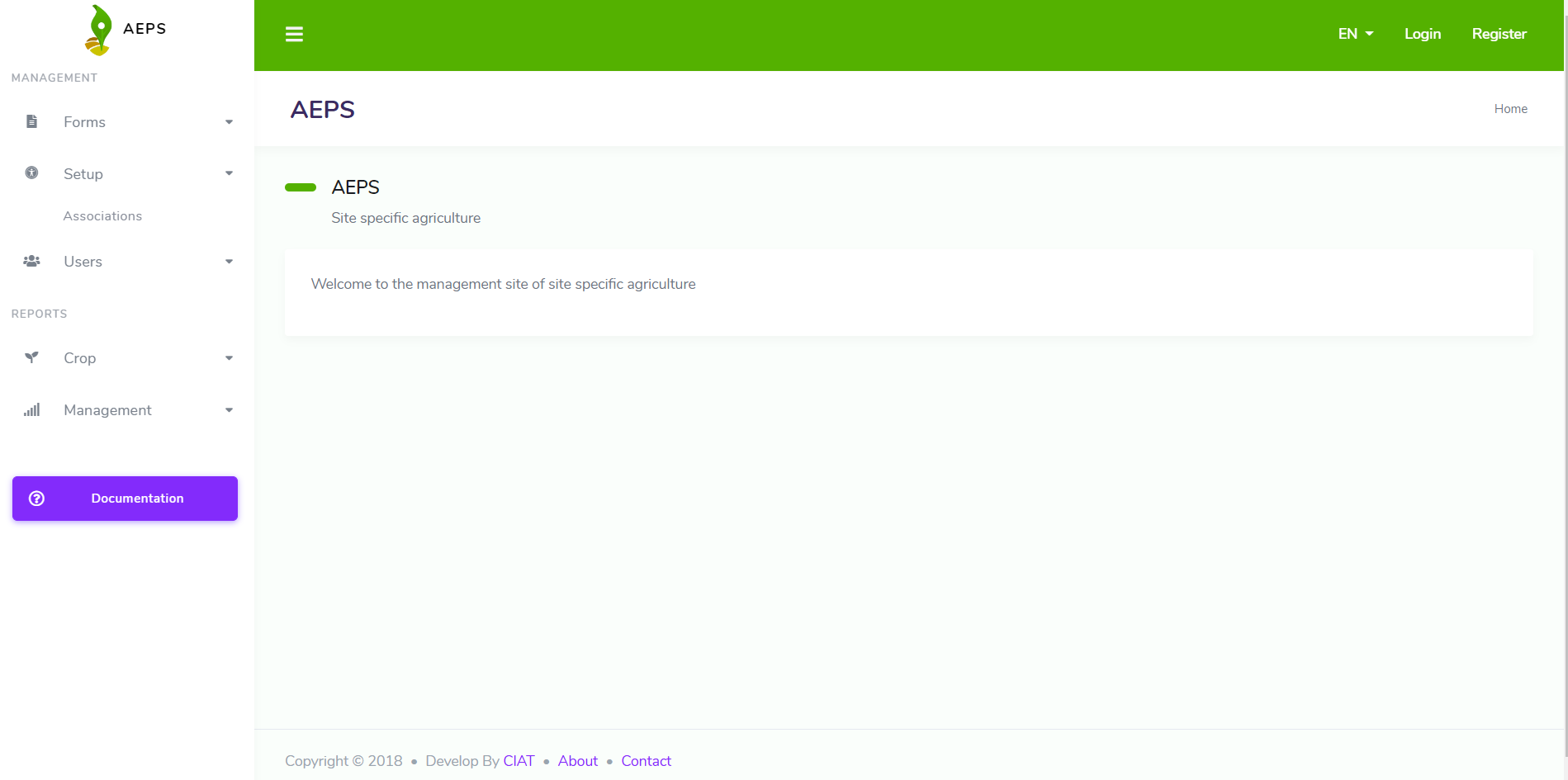
It is a website which allows the parameterization of the AEPS Platform. It was developed in .Net Core 2.2. The website is multilanguage, currently it is in spanish and english.
The web administrator allows to user:
Management forms
Setup global parameters
Management users
See dashboards
The following picture shows a screenshot of the website:
Guide
In order to users can take advantage of this guide, we explain what should be the step by step to configure the platform.
Install: You have to install the website in order to create the first user.
Manage user: You should create all users which are available to work in the platform. Users can sigin in the website in order to configure parameters and see dashboards about information.
Configure forms: Once users have been created, you should create the forms. A form is the structure how the data will be organized. You can import XLS Form or Create a new form, both have their implications that you will see in the next chapters.
Setup additional parameters: Additional parameters are some global configurations which affects reports.
Visualize dashboards: Depending of the platform selected to visualize information, Some dashboards have been design to display information about crop performance and collect performance.