Install
In this chapter you will learn how to install the website. The installation is the process in which you have to create the first user, he will be the administrator of all platform.
Tip
You should check the variable’s value Installed inside of appsettings.json, if it is true, it means that the website was configured, however if it is equals to false, you have to create the admin user.
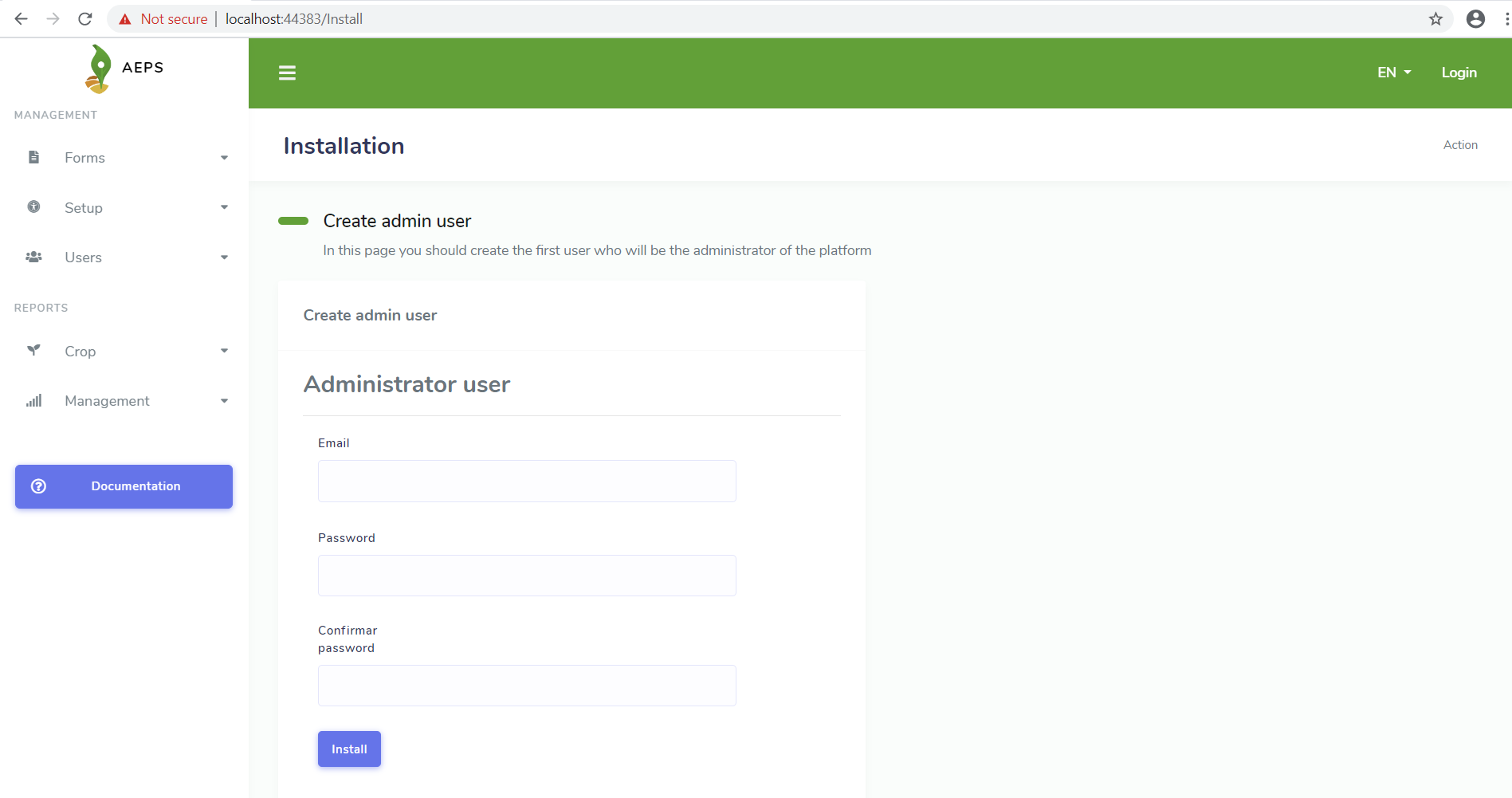
The instructions to install the website are the following:
Check the appsettings.json file and the value of the variable Installed, it should be with value false
Check the Connection Strings of the database and setup them
Start the website
Create the administrator user
Change the value of the variable Installed to true
Restart the website
Log in into the website with that administrator user
The final status of the appsettings.json should be like that:
1 2 3 4 5 6 7 8 9 10 11 12 13 14 | {
"ConnectionStrings": {
"AEPSDatabase": "server=172.17.0.2;port=3306;user=aeps_user;password=your_password;database=aeps_2_0",
"AEPSUsersDatabase": "server=172.17.0.2;port=3306;user=aeps_user;password=your_password;database=aeps_2_0"
},
"Logging": {
"LogLevel": {
"Default": "Warning"
}
},
"Languages": "es-CO,en-US",
"AllowedHosts": "*",
"Installed": "true"
}
|