Users
The users is the module in which you can control who would be able to sign in into the platform.
With users’ module, you can:
Add new users
Check users’ status
Disable users
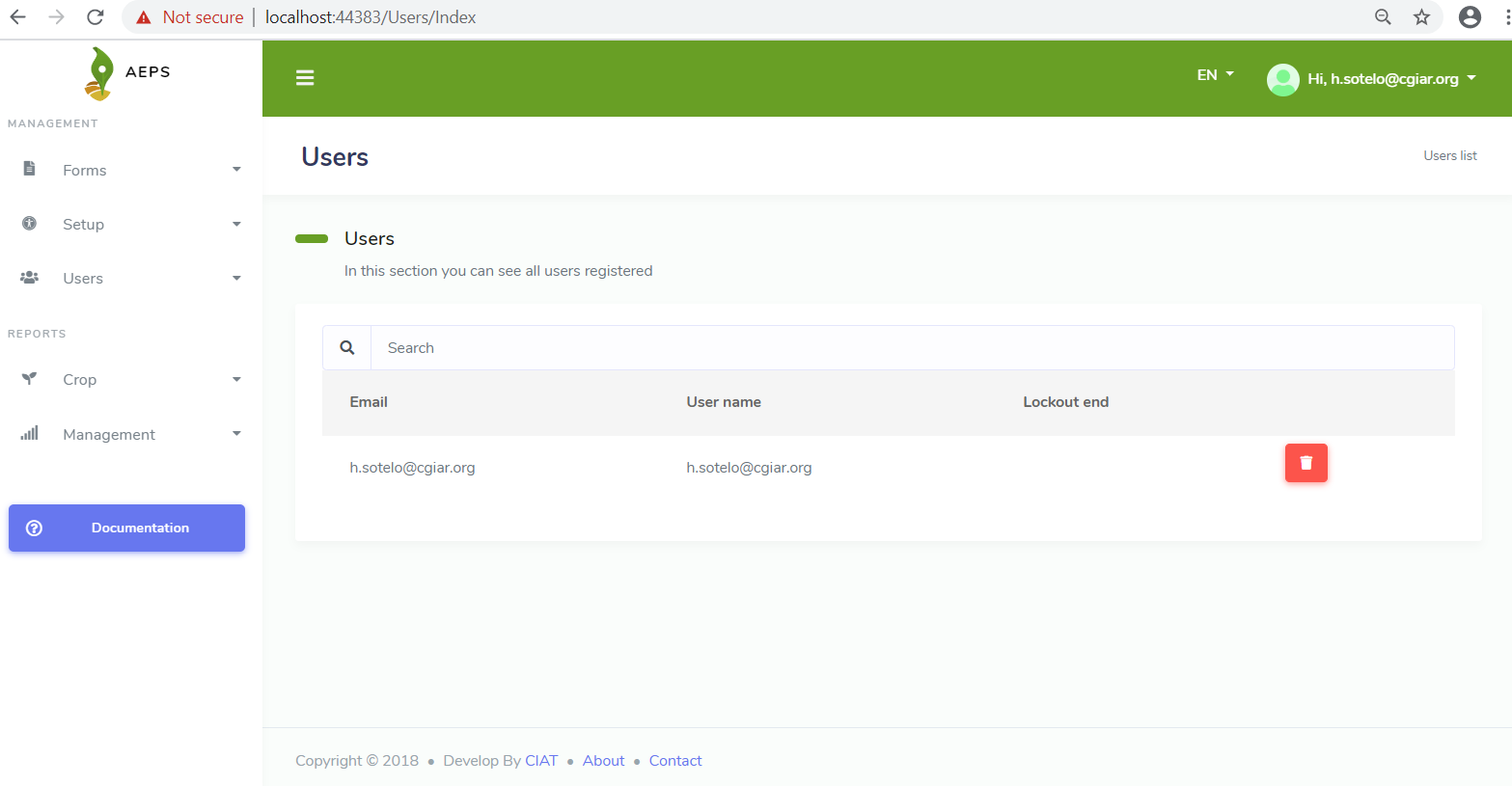
Create users
Users just can be added by other user. The first user is the platform’s administrator (Check install chapter).
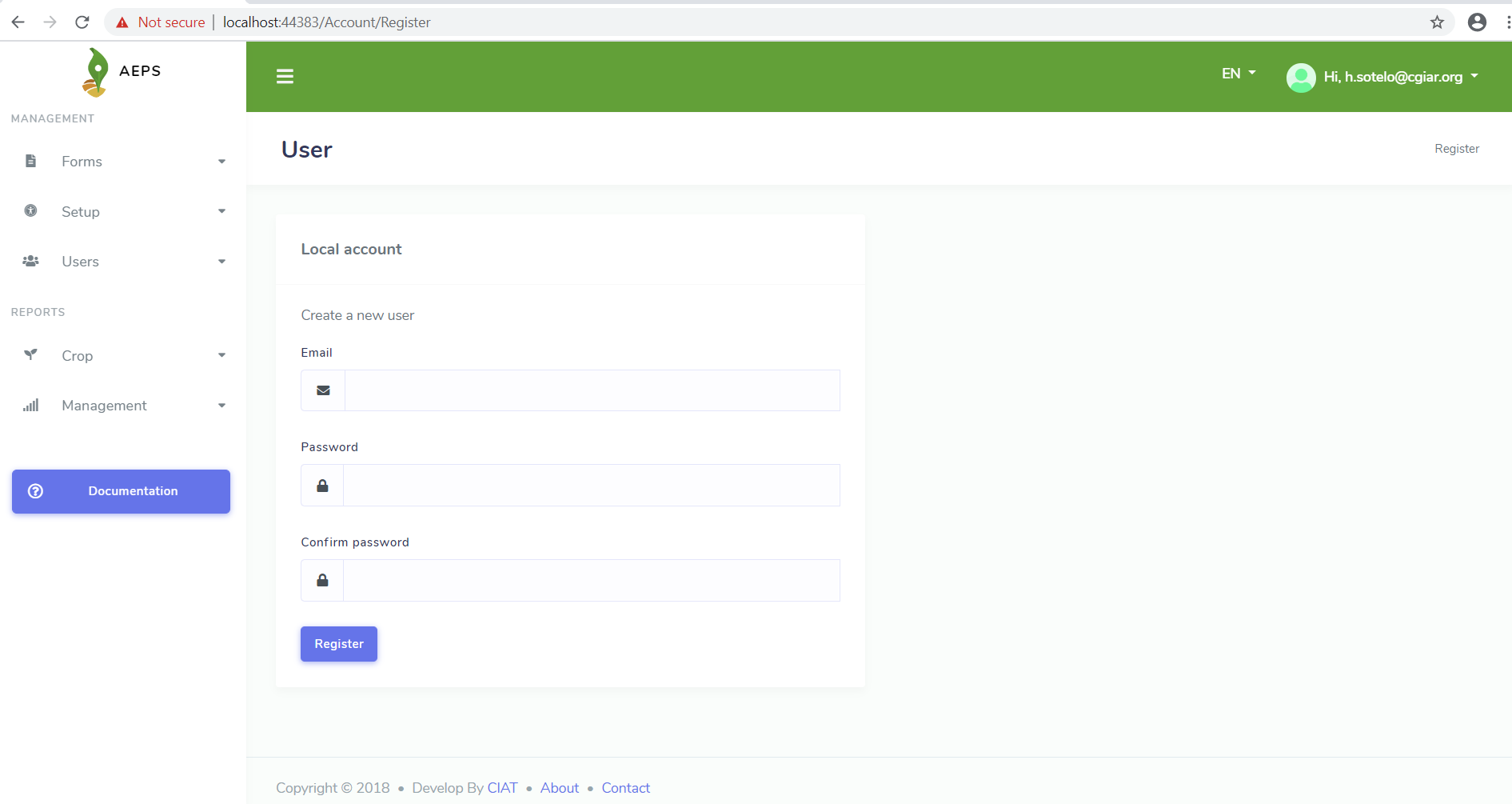
Let’s see what information is stored inside of an user.
Field |
Description |
|---|---|
email address |
|
Password |
Initial password (Users once have signed in, they can change it) |
Confirm password |
Retype the password |
Lockout end |
Date until user was enabled to log in |